Nominations to be approved can be found the Appraisals tab on the main dashboard page.
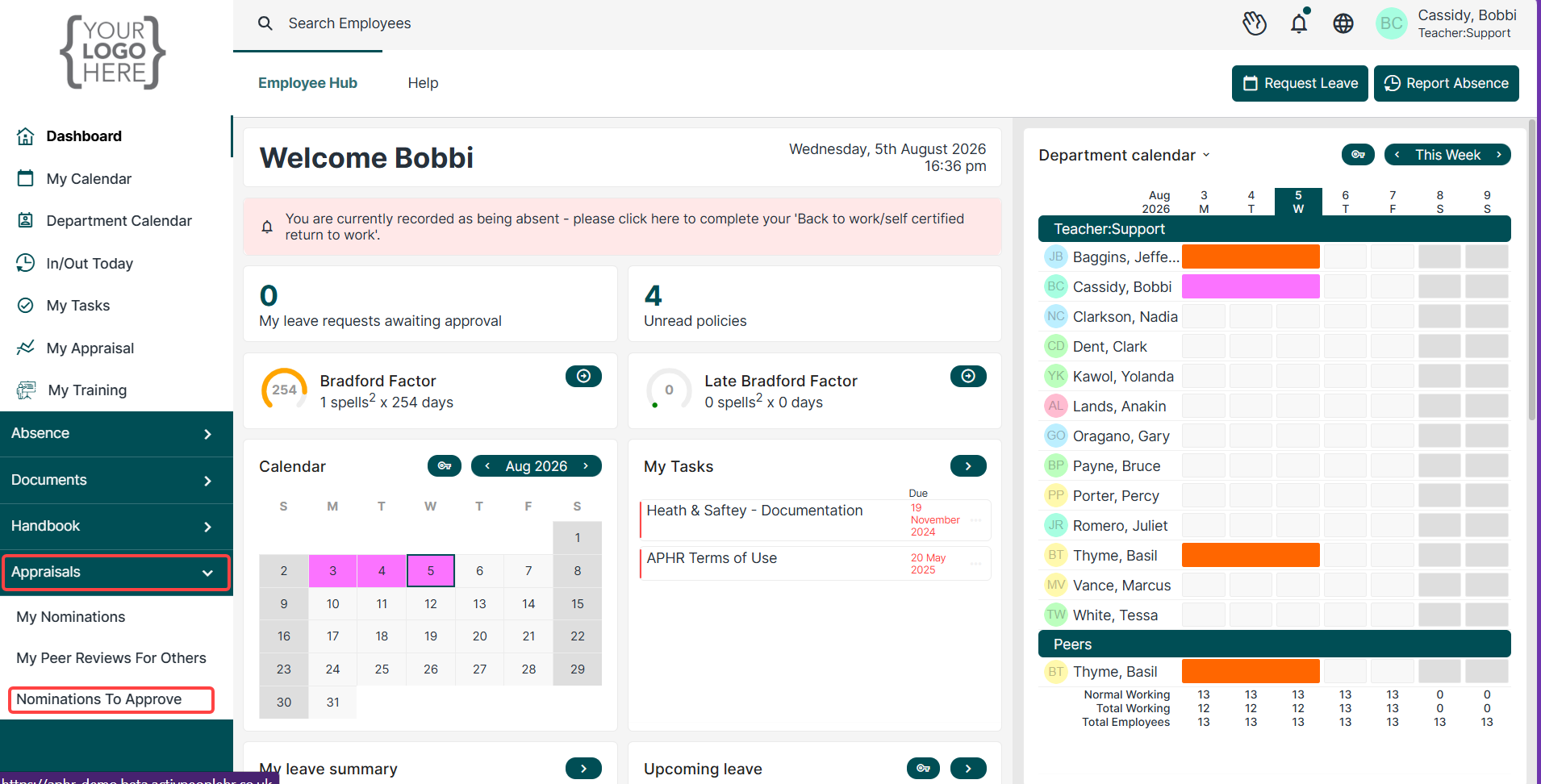
On the left-hand menu, click the “Appraisals” drop-down to expand the options.
Within the Appraisals menu, click on “Nominations to Approve.”
This will display any pending nominations that require your review or approval.
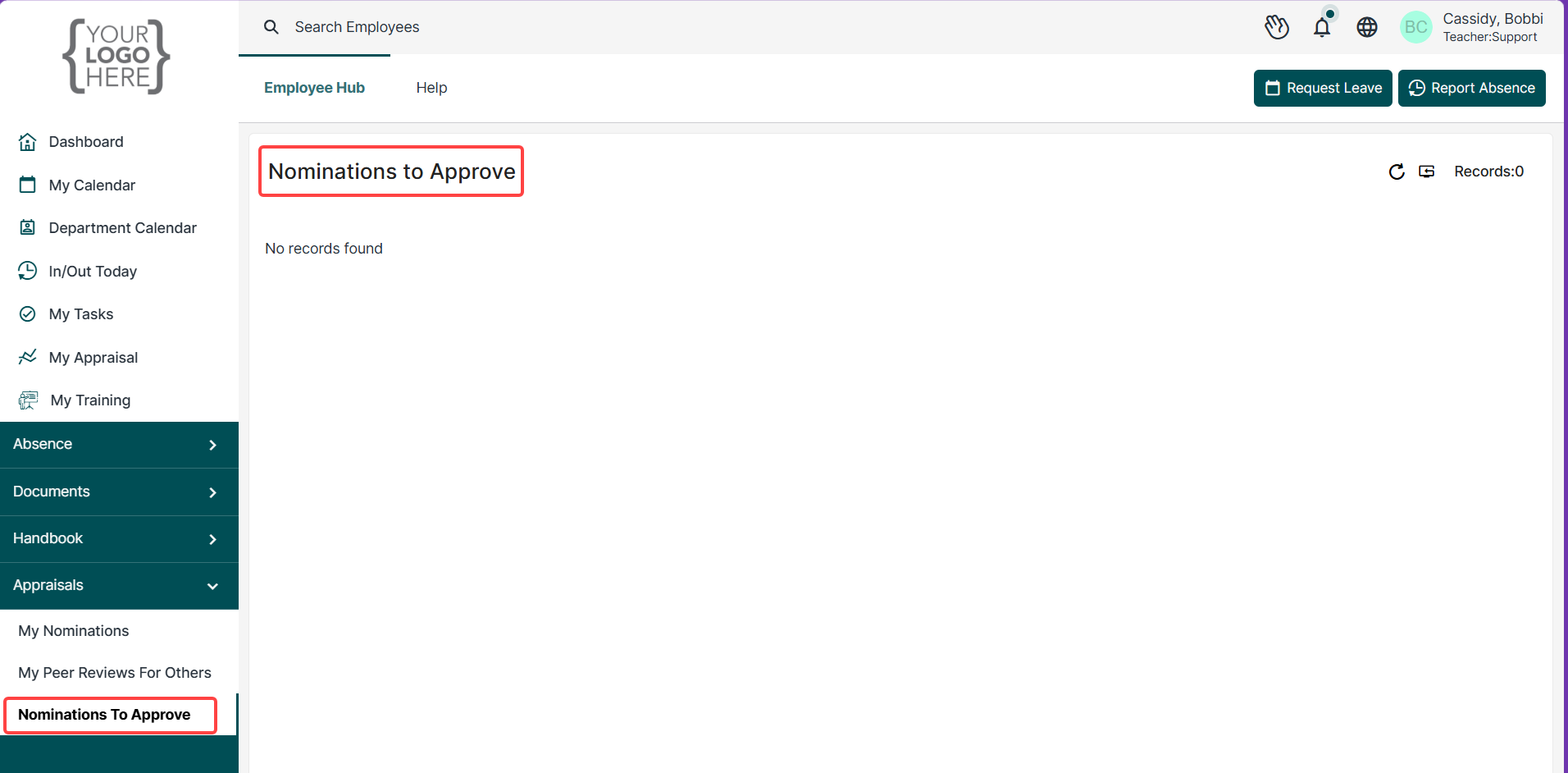
- Within the Appraisals menu, click on “Nominations to Approve.”
- This will display any pending nominations that require your review or approval.
Was this article helpful?
That’s Great!
Thank you for your feedback
Sorry! We couldn't be helpful
Thank you for your feedback
Feedback sent
We appreciate your effort and will try to fix the article