Objectives can be set by both yourself and your Line Manager. If an email notification has been set, you will be informed that there is an objective submitted.
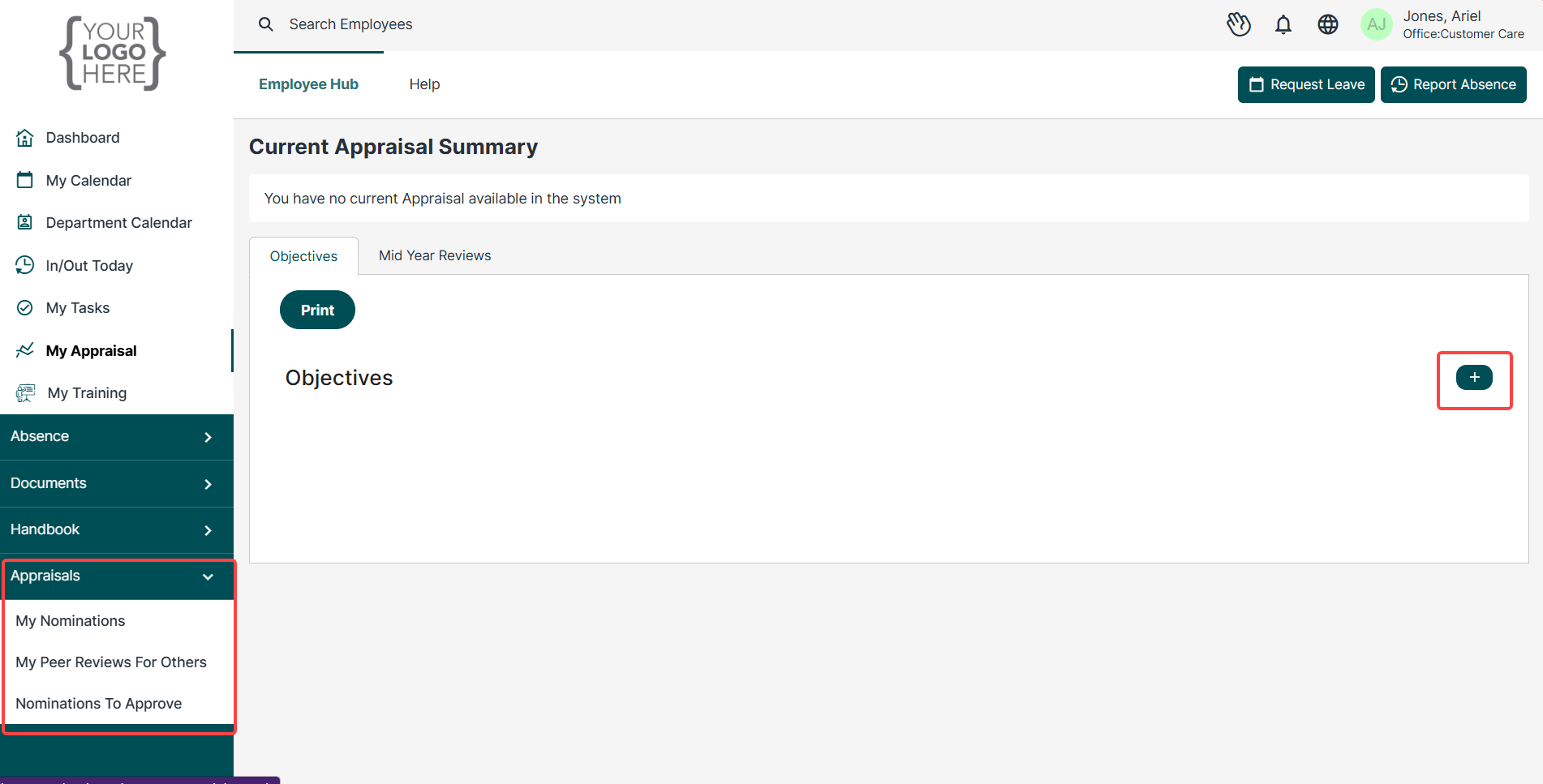
Objectives can be found and updated via the widget on the dashboard, My Appraisals on the left hand side of the screen and in the Appraisals dropdown tab. You may need to scroll down your dashboard to locate the Objectives widget.
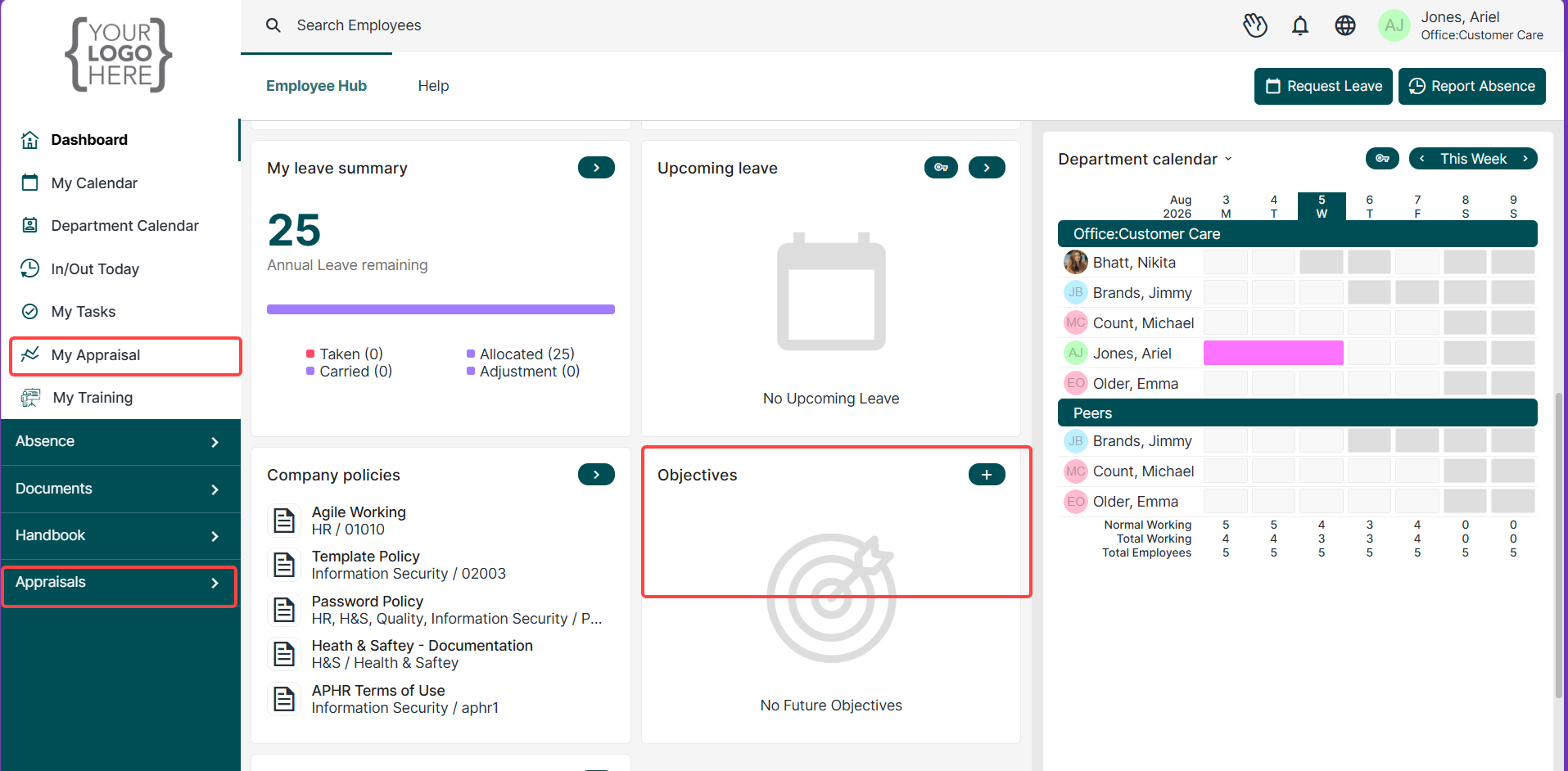
Adding Objectives
Using the + button on the Objectives Widget will generate a dialogue box for you to add your own objective.
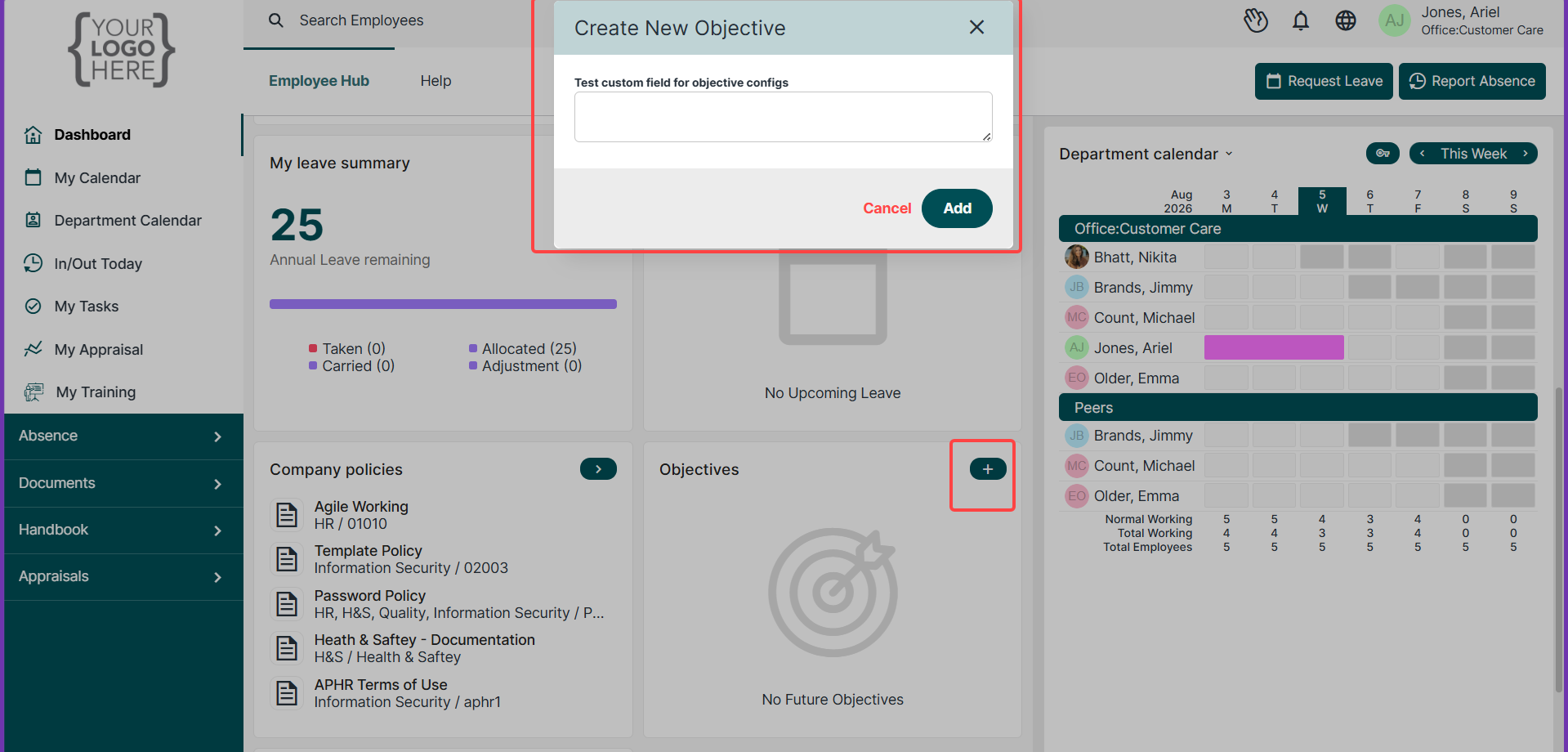
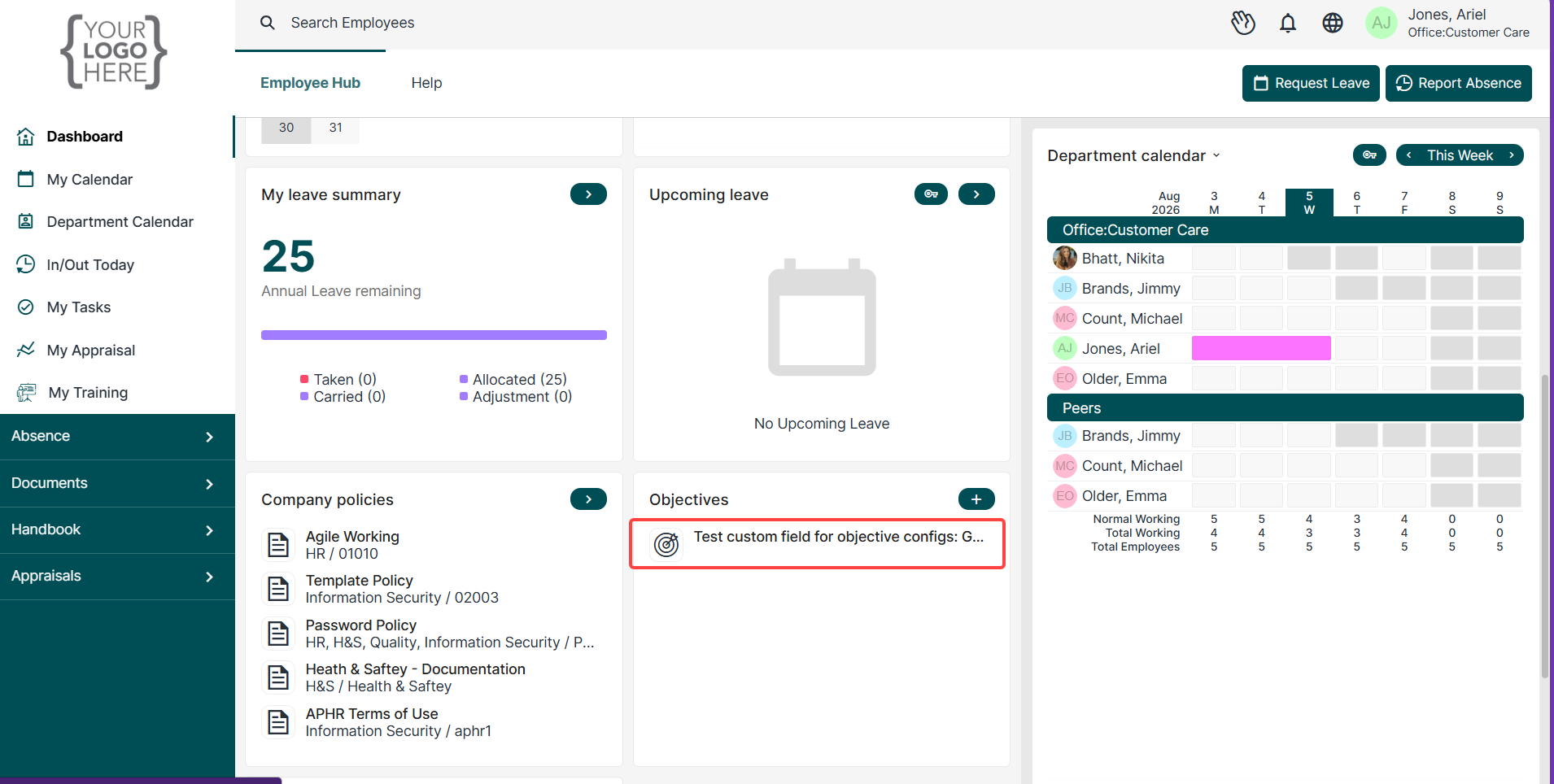
Once an objective has been added, it will be visible on the dashboard widget and on the My Appraisals screen
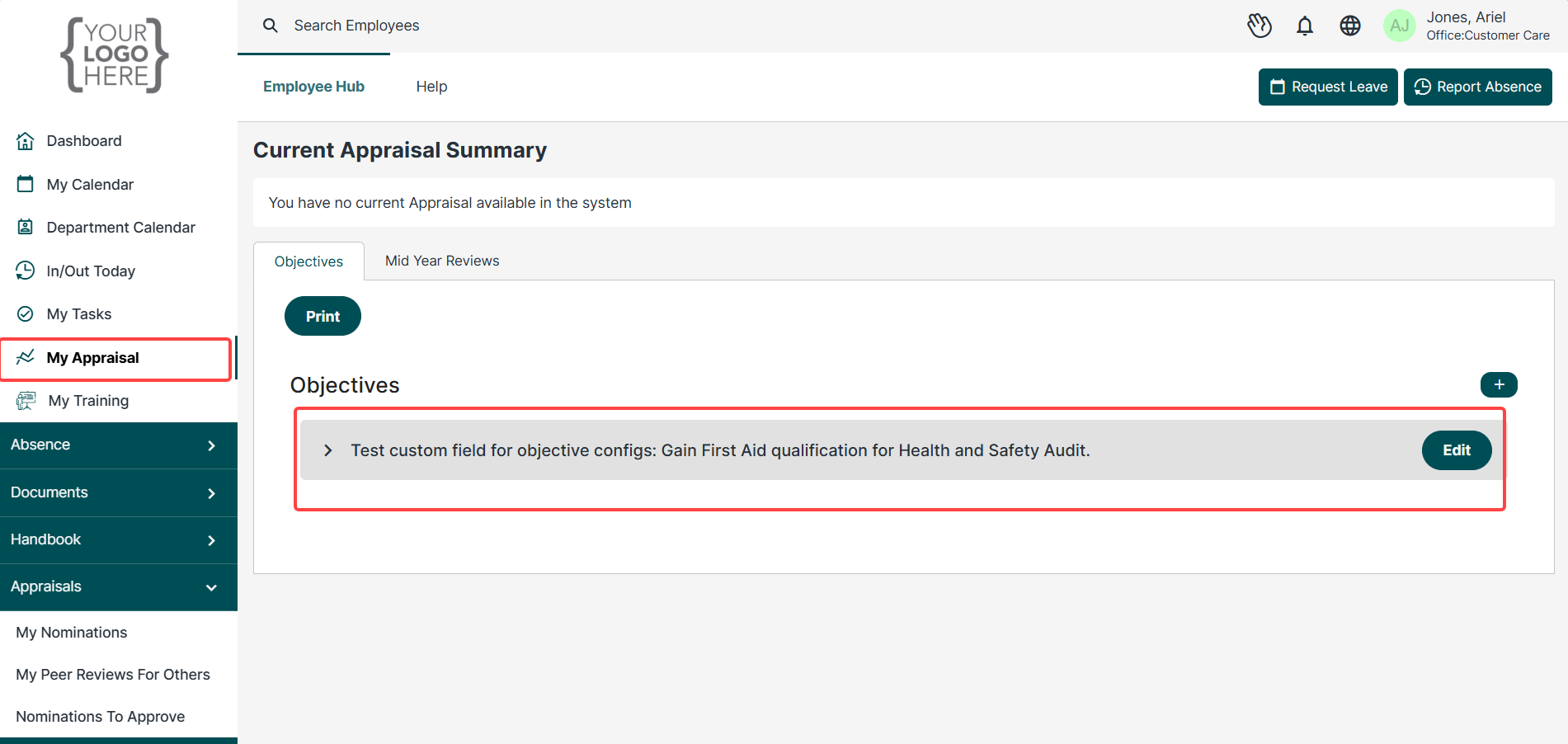
Objectives can also be added yourself by using the plus button on the Current Appraisal Summary page.
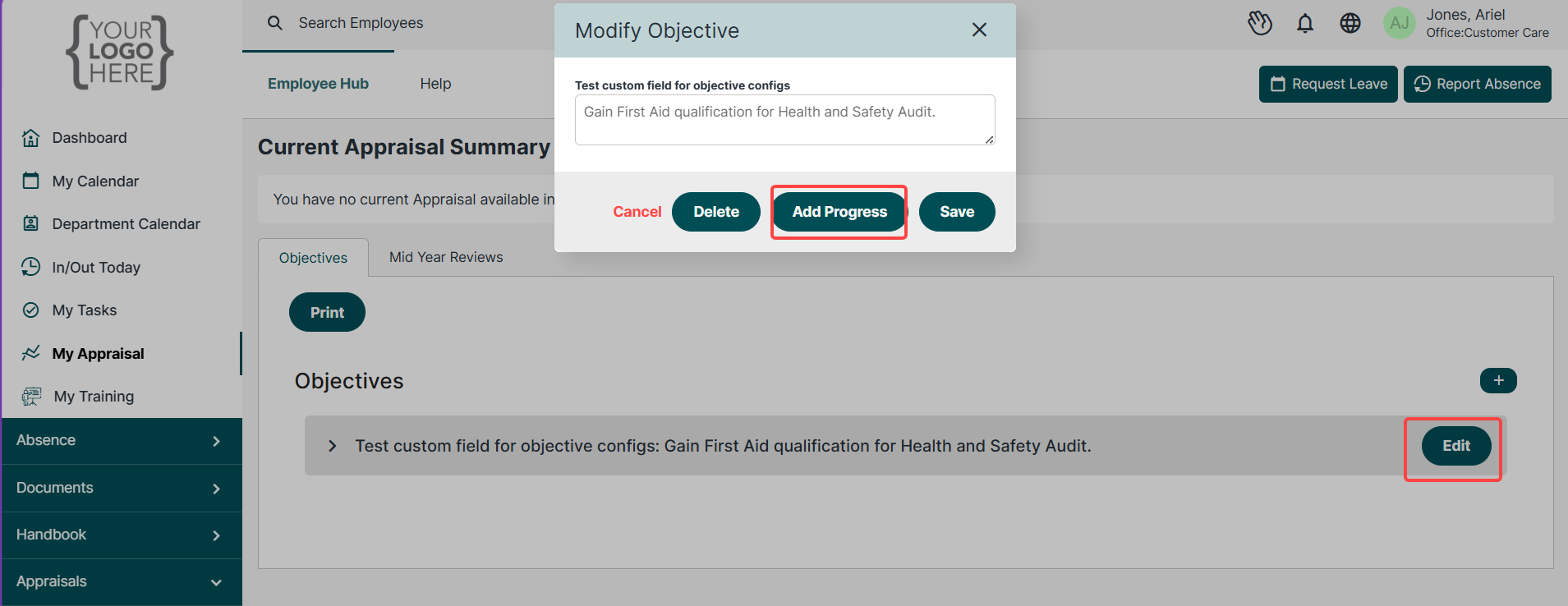
Once an objective has been added, you can edit it selecting the edit button next to it.
Progressing Objectives
You progress your objectives in the same way that you would edit them above. Find the objective you wish to update and click on the edit button.
This will generate the progress dialogue box for you to fill out.
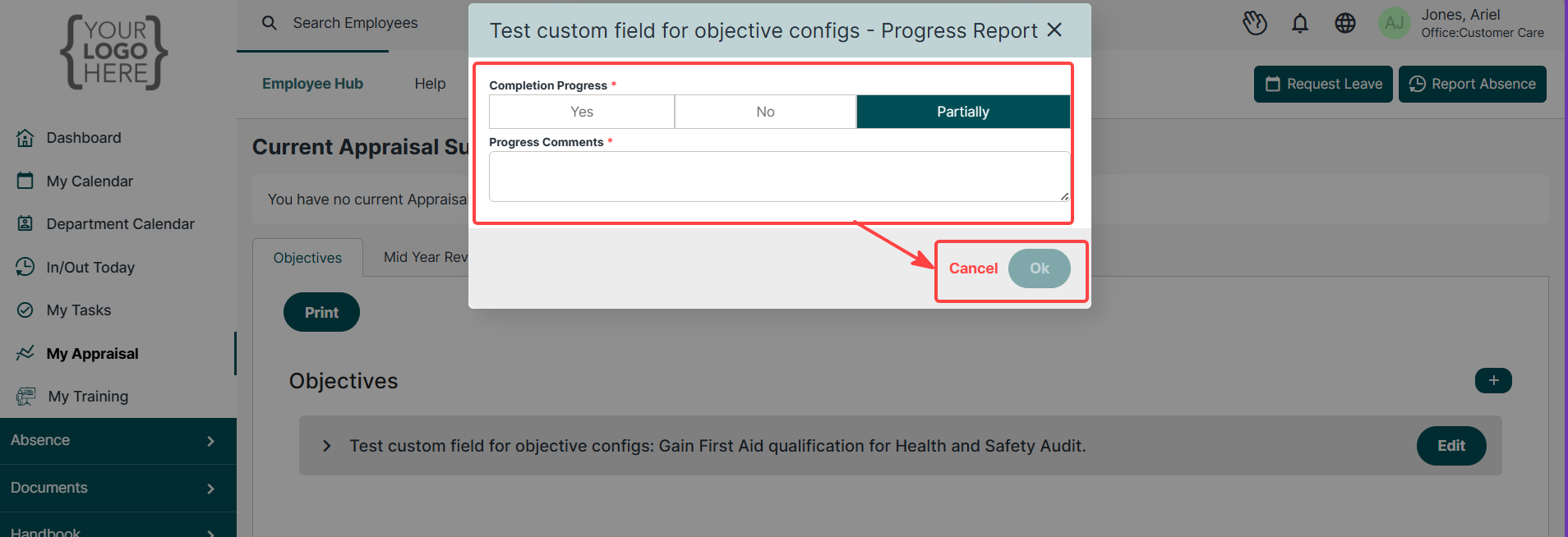
Once you have updated the objective, save your changes.
Deleting Objectives
Should you wish to remove/delete an objective, follow the same steps you took to progress/edit the objective in question.
When the dialogue box loads, the option to delete should be available.
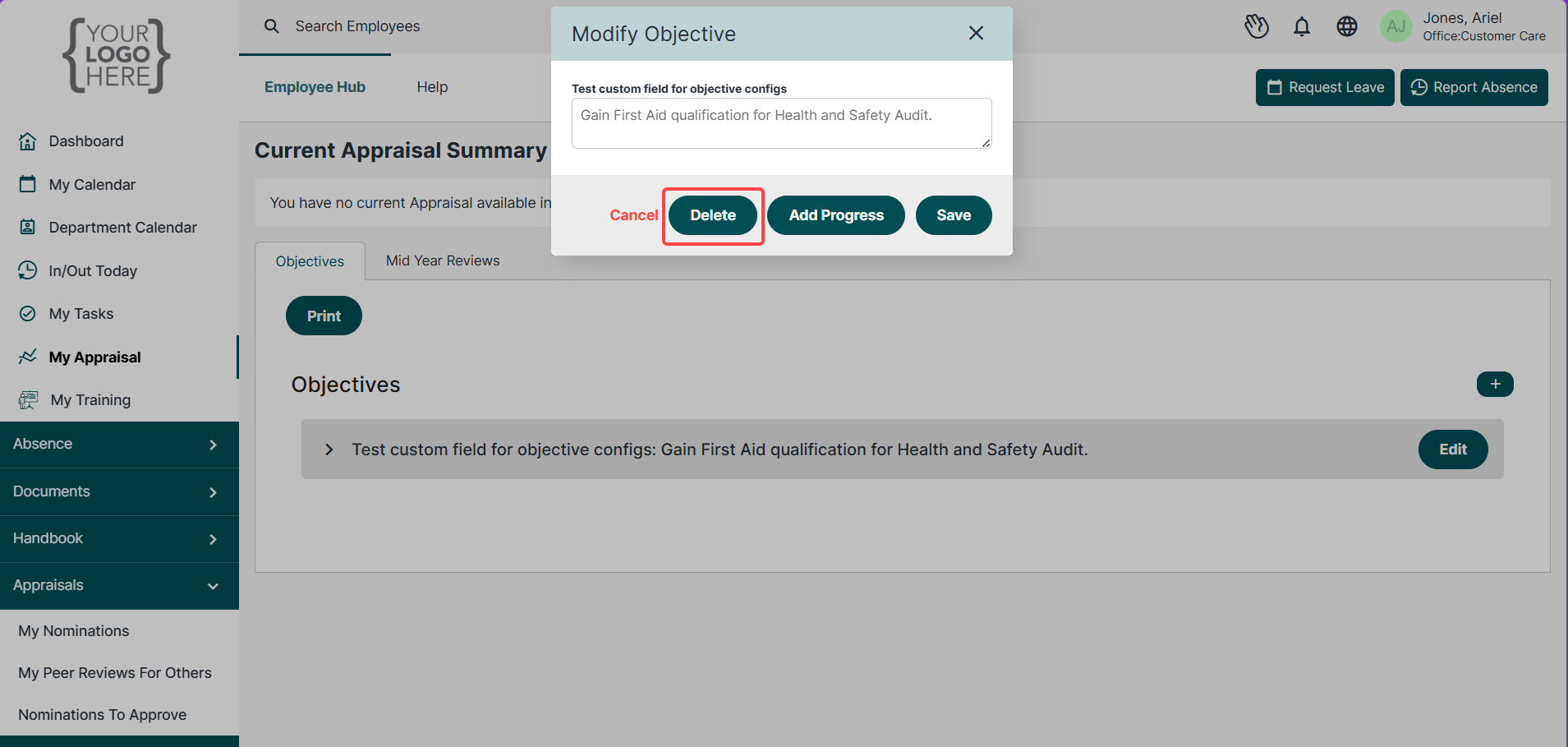
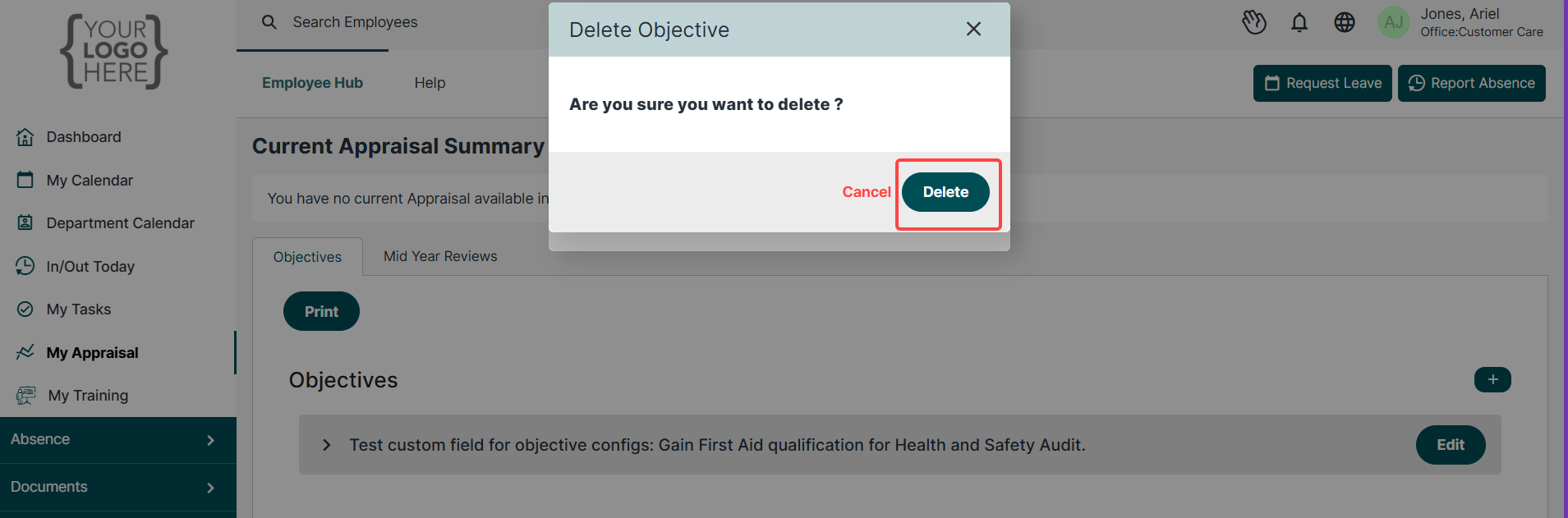
Once this has been selected, you will be asked to confirm that you wish to delete the objective. This will then remove the objective for you.

Was this article helpful?
That’s Great!
Thank you for your feedback
Sorry! We couldn't be helpful
Thank you for your feedback
Feedback sent
We appreciate your effort and will try to fix the article